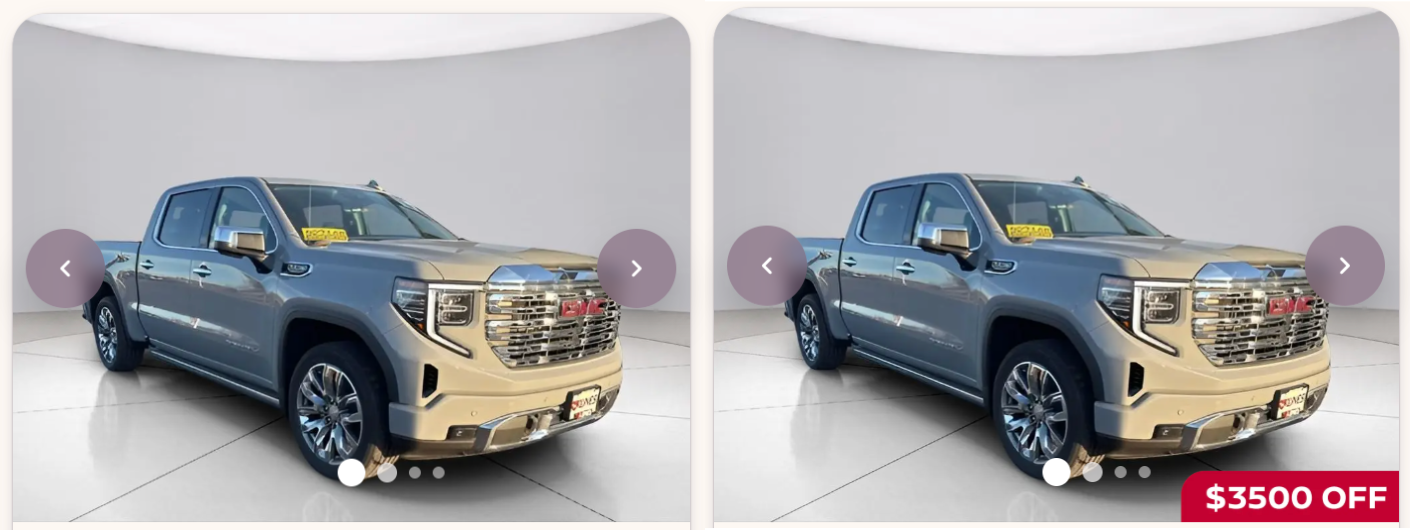
Image Overlays
Last updated: August 11, 2025
Image overlays allow you to add custom banners, logos, or other informational elements to some or all inventory images. Any image uploaded should be formatted as a transparent png. Reach out to support@motivehq.com if you have any questions.
- Navigate to 'Inventory' -> 'Overlays' in Admin.
- Click 'Add image overlays'.
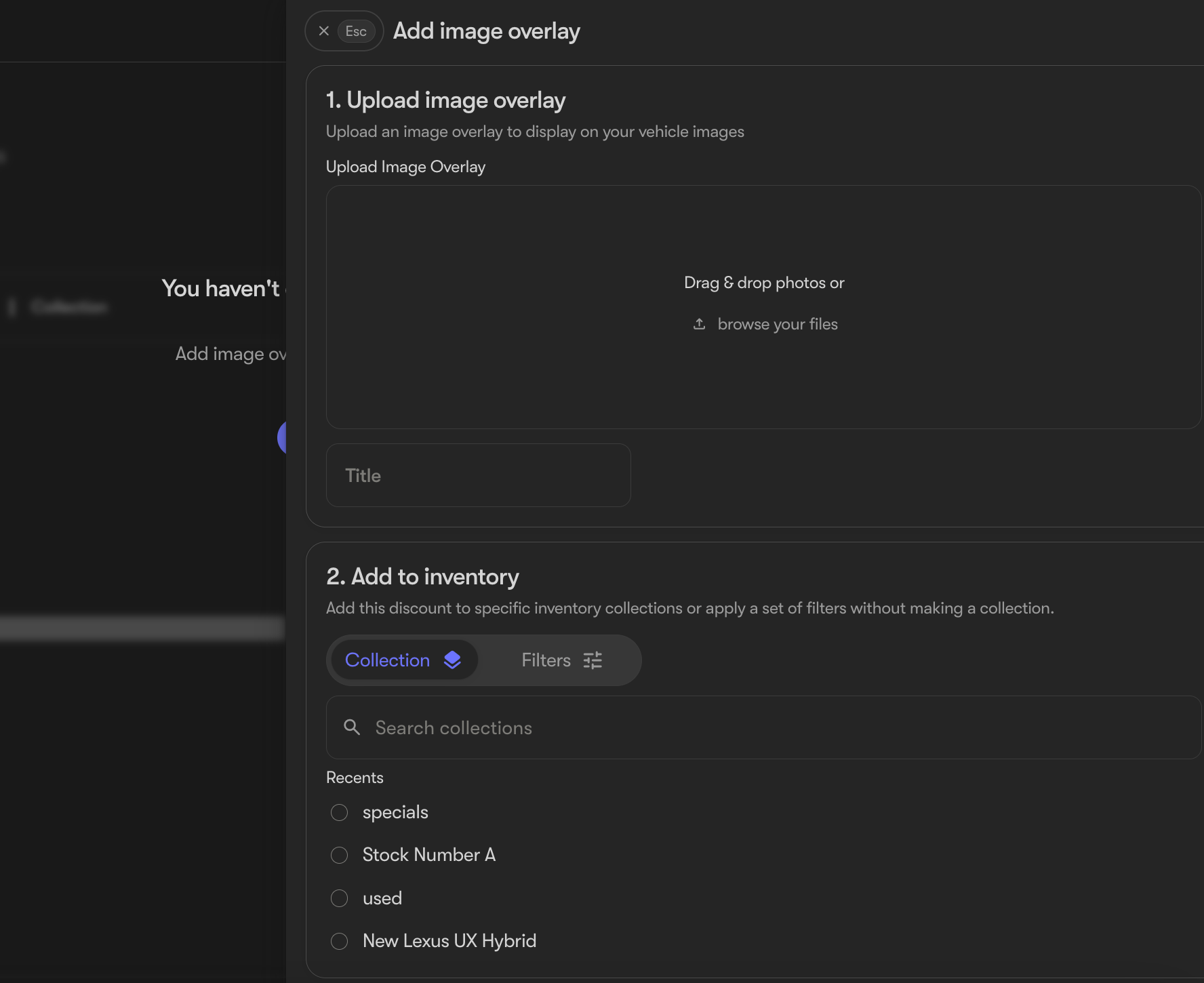
- Upload your image and give it a title
- Choose the vehicles this will apply to: either a collection, or specific inventory filters.
- Optional: Set a start/end date for the overlay.
- Click save and watch your images update automatically!