Navigation Overview
Last updated: August 11, 2025
Manage your website's navigation links for desktop, mobile, and footer using the Navigation tab (Website -> Navigation). Here are the functionalities available in this tab:
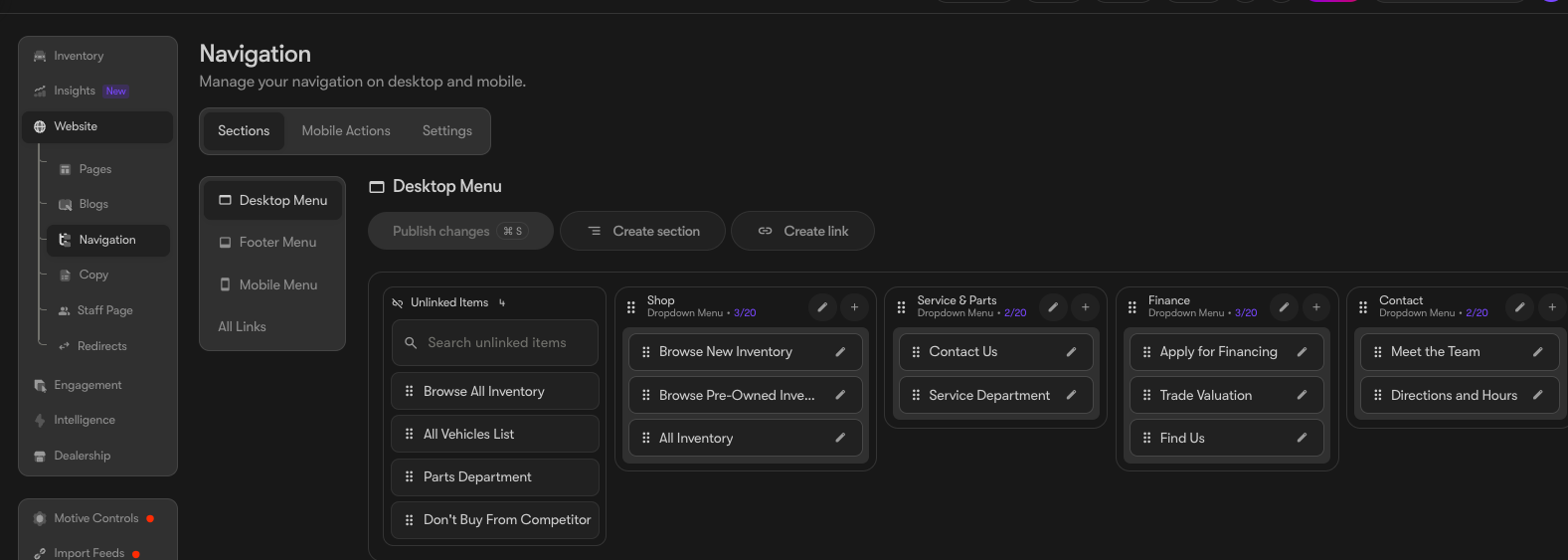
- Create a Navigation Section: Set up distinct headers or sections for your navigation bar
- Create Links: Attach links to specific pages under each section
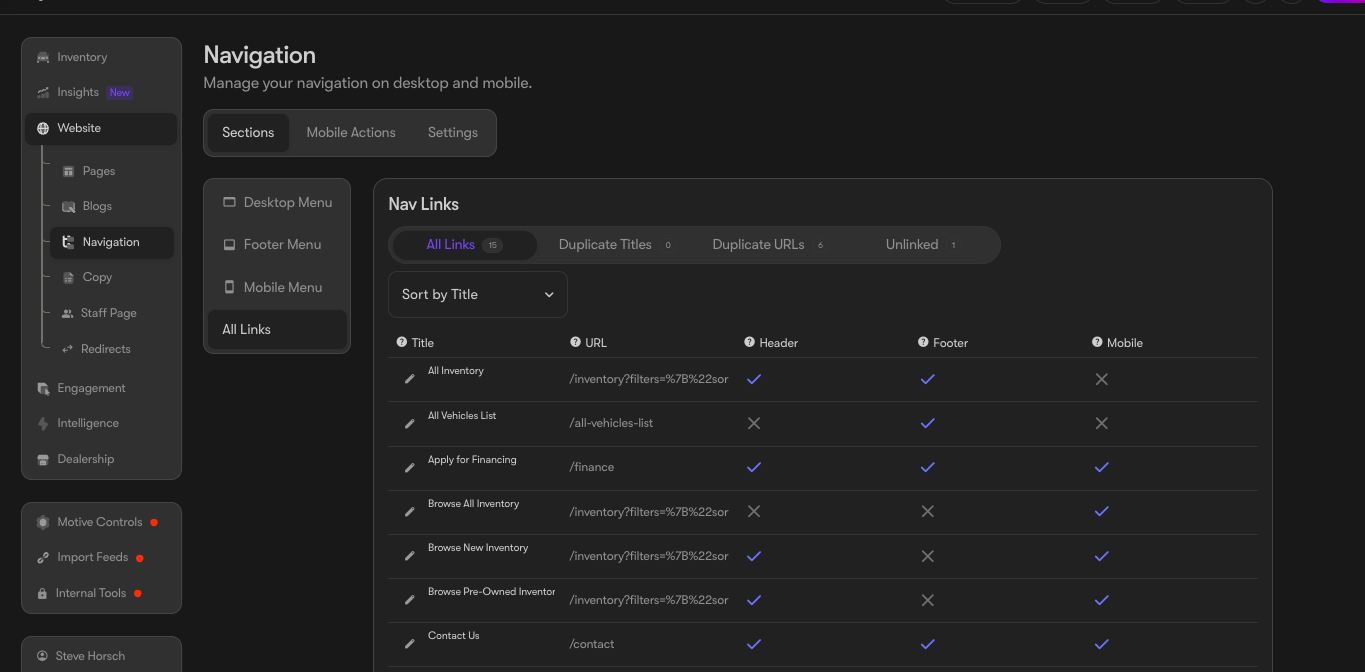
- View All Links: Monitor all your links and their current destinations
The "Sections" tab in the header row allows you to view and edit the current sections, as well as the pages linked under each section:
The "Links" tab in the header row allows you to view all the links created for your website. Within this tab, you can also update the name of a link if necessary: