Troubleshooting Common Page Issues on Motive
Last updated: August 11, 2025
If you're having trouble getting a page or blog post to publish, learn what to do.
Check your error message: Here are a few error messages you might see:
- This slug is used by a Motive default page.
- Page with this slug already exists
- Fix inactive components.
- Error saving CMS page.
Try These Things First:
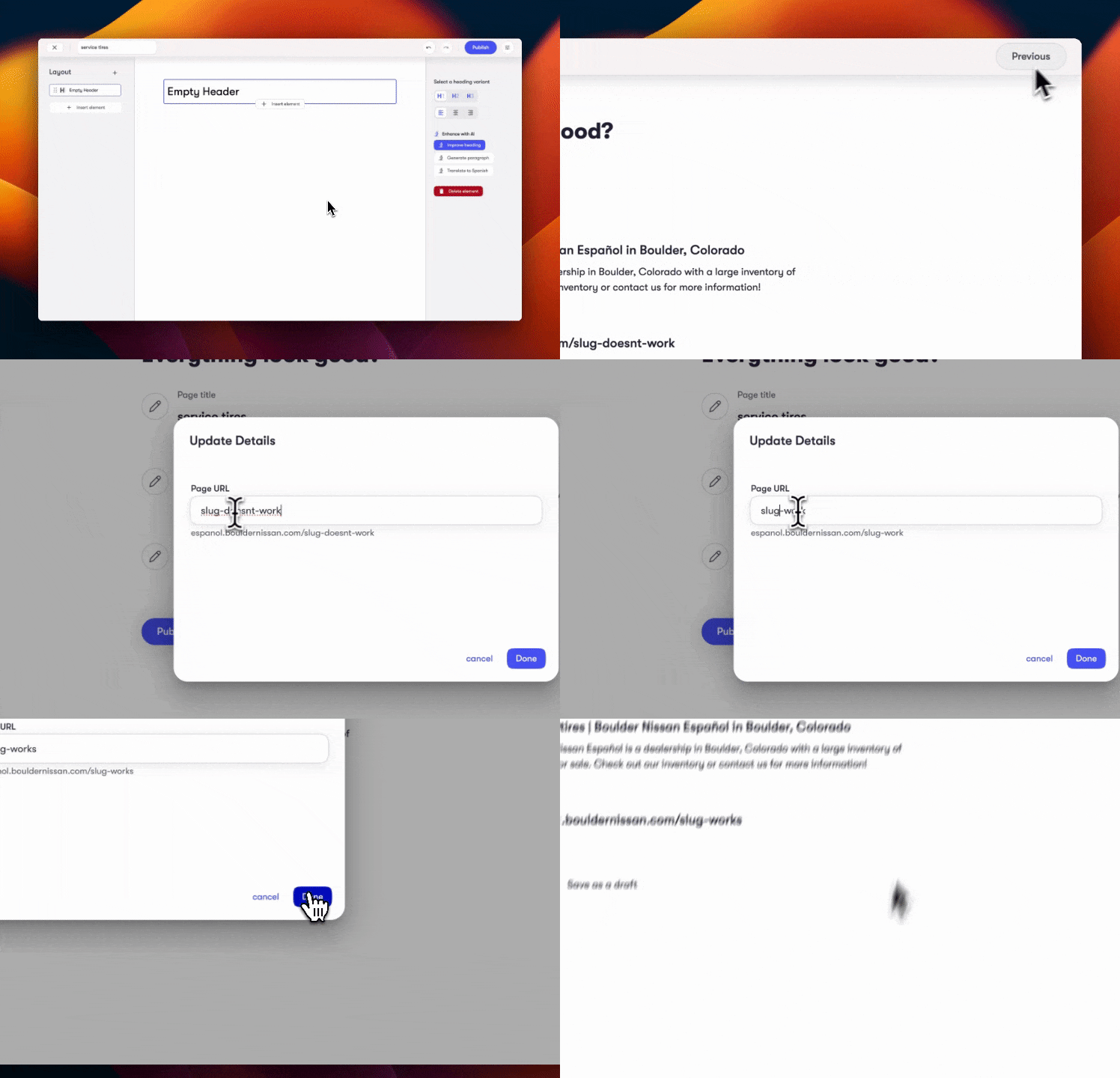
Check your slug: Is your slug (the part of the url following domain.com/{slug}) already being used by another CMS page, blog post or default page? To fix this issue, try:
- Changing your slug and republishing.
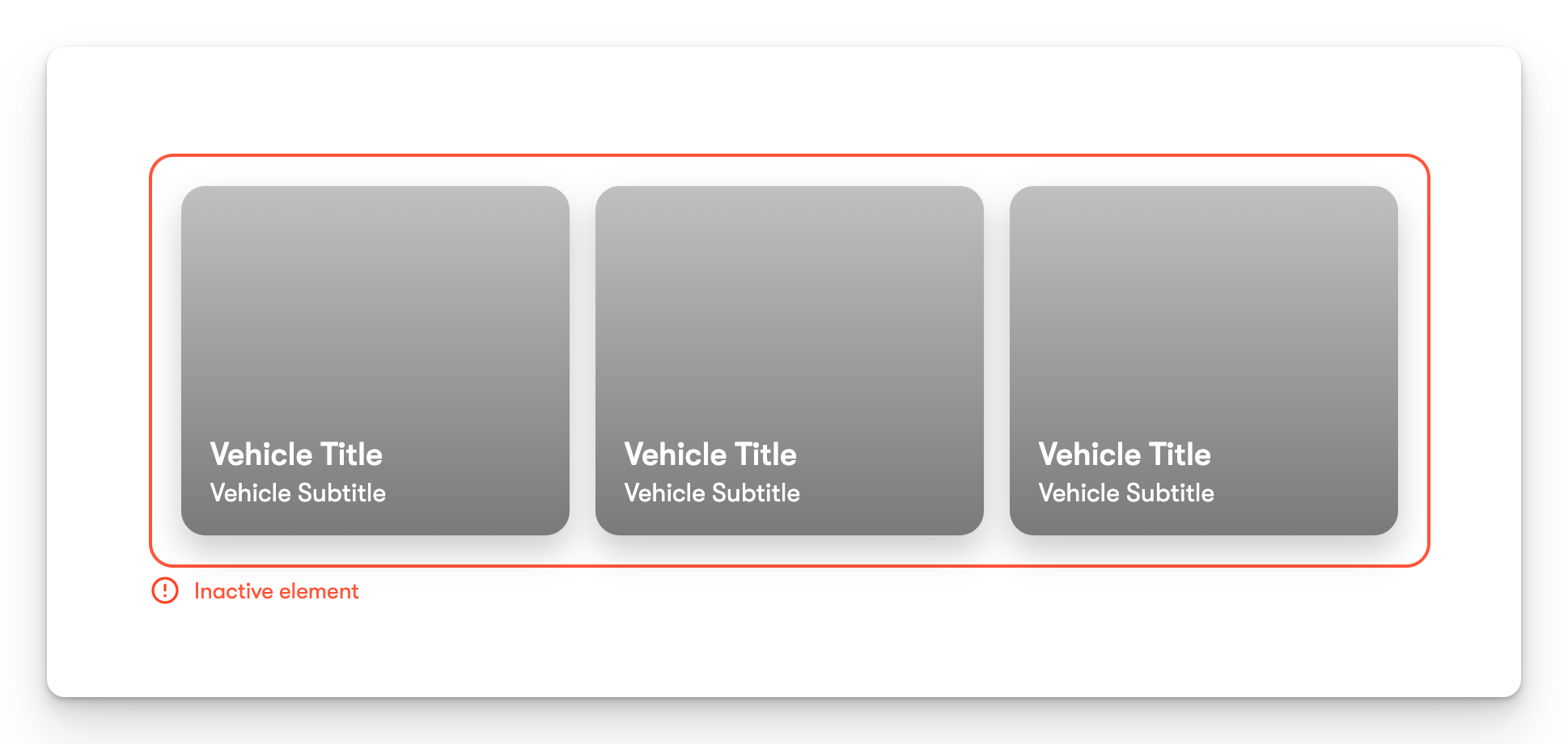
Check for inactive elements: Make sure that all of the elements on the page are complete. Inactive elements will have a red border. The page will not publish until all elements are complete. You can either fix these inactive elements or delete them.
Check your image size: Motive has a 30mb upload limit in a single publish. This means that if you have multiple large photos on a page, the page will not publish. To fix this issue, try:
- Deleting an image and re-publishing.
- Publishing after uploading each photo. This will reduce the overall size of the publish.
- Reducing the size of the photos you're uploading.
As always, you can contact our support at support@motivehq.com to assist with any issues!