Updating or Reordering Inventory Images
Last updated: August 11, 2025
All your inventory details and images come directly from your inventory management system. If you need to update or add default images for a specific listing, follow these steps:
- Navigate to Inventory: Go to the 'Inventory' section, click vehicles, and choose the listing you want to modify.
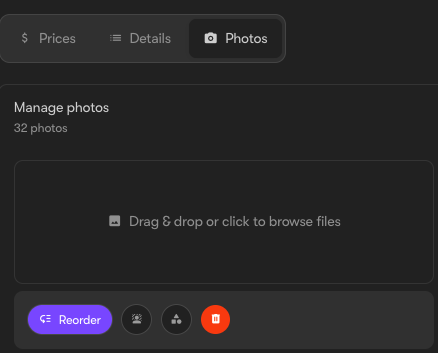
- Access the Photos tab: In the right panel, click 'Photos'.
- Manage Photos: Here, you have the option to 'Manage photos'. You can upload new images or rearrange the current ones for that listing.
Keep your listings fresh and engaging with updated visuals!