Building a Page on Your Motive Site
Last updated: January 13, 2026
Content pages on Motive consist of simple building blocks that we refer to as 'Elements'. Creating a new page on your website can be easily done by following the steps below:
Navigate to the 'Pages' section in the left panel of the Motive CMS (under Website)
Click 'Create Page'. This will ask you for a page title. Once entered, a blank page will be created
To add elements to your page, simply choose from our extensive library in the left panel:
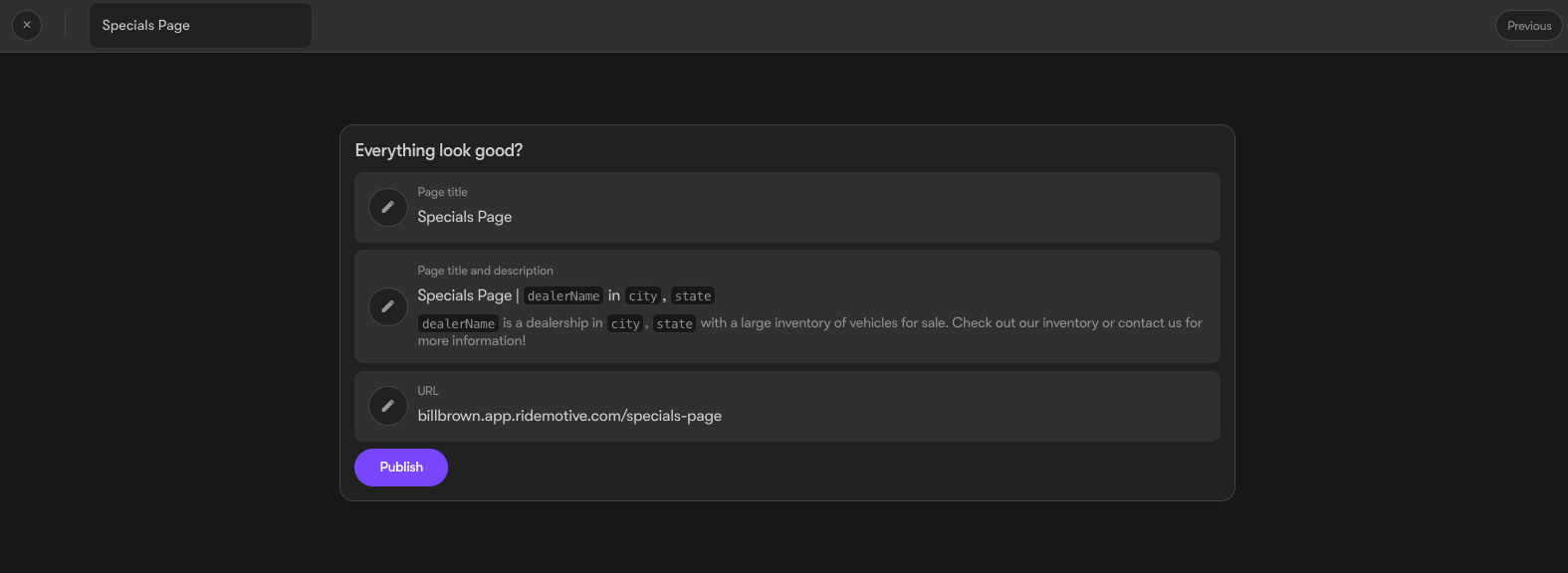
Once published, you can update the page title, SEO descriptions, and URL slug by clicking on the settings button located to the right of the 'Open' button:

Important: To display pages on both desktop and mobile menus, a navigation link must be established. Check out this article for a step-by-step guide on adding links to the navigation menu.