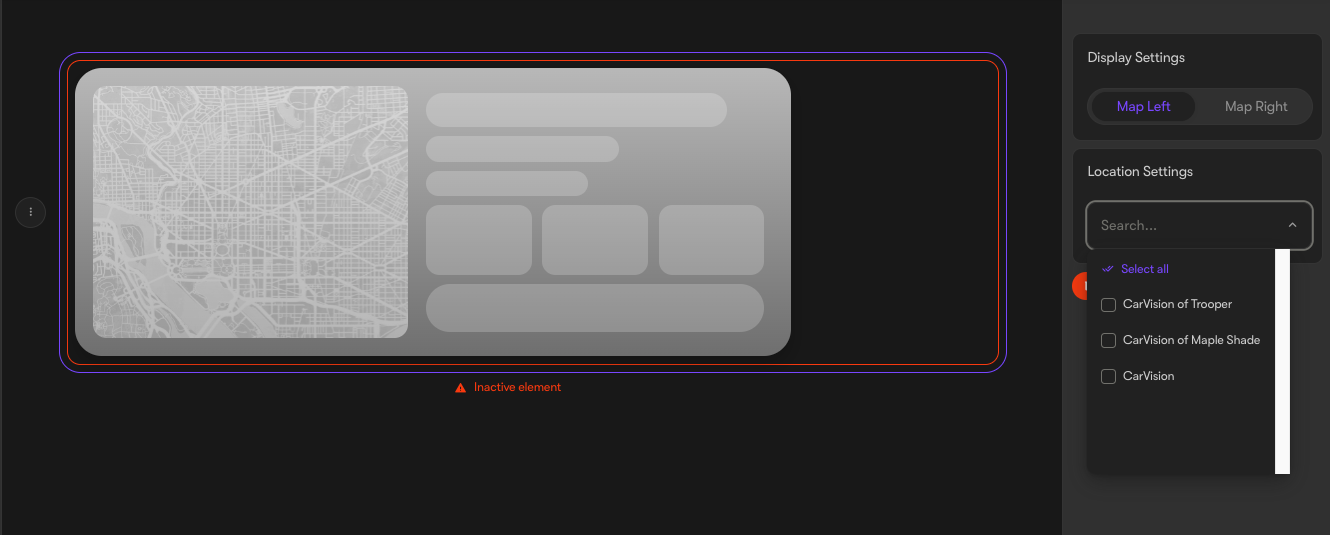
Adding a Map element on a page
Last updated: August 11, 2025
Looking to add a map to one of your pages? The following guide will walk you through how to add a map element to any Motive page:
- Navigate to the 'Pages' section in the Motive CMS, under Website
- Use the search bar to locate the page where you wish to add the map, then click on that page
- Once inside the page, click on the element beneath which you want to position the map
- Click on the 'Insert Element' button and choose the map element
- Use the search bar below to find the location(s) you wish to showcase
- Once you've made your selection, click the 'Publish' button on the top right to save your changes